Score a darts game
X01, Cricket and Around the World with a full live scoreboard — singles, doubles and tournaments, busts handled, stats tracked.
The darts scorer does the maths for you: it tracks every visit, handles busts, tells you when someone's on a finish, and logs the stats (180s, checkouts, 3-dart averages) automatically.
The games
Three games live under the Darts tab:
- X01 — 501, 301, or any target you like. Tap Custom and type a number (anything from 21 to 3001) if your cave plays 601 or 1001.
- Cricket — close 20 down to 15 and the bull, then score on whatever your opponents still have open. Play it standard (your points, highest wins) or cut-throat (points land on everyone still open, lowest wins).
- Around the World — 1 through 20 in order. Choose whether anything counts or only doubles or trebles, whether multiples carry you further, and whether it finishes on 20, on the outer 25, or on the bullseye.
Set up a game
- Open the Darts tab and start a game.
- Pick a game — 501, 301, Custom, Cricket or Around the World. Tap View rules on any card for a plain-English refresher.
- Singles or doubles? — singles is everyone for themselves; doubles is two pairs sharing a score, with partners taking it in turns to throw.
- Who's throwing? — select the players (exactly four for doubles) and shuffle the throwing order if you like. Doubles then splits them into pairs, randomised for you and tappable if you'd rather choose.
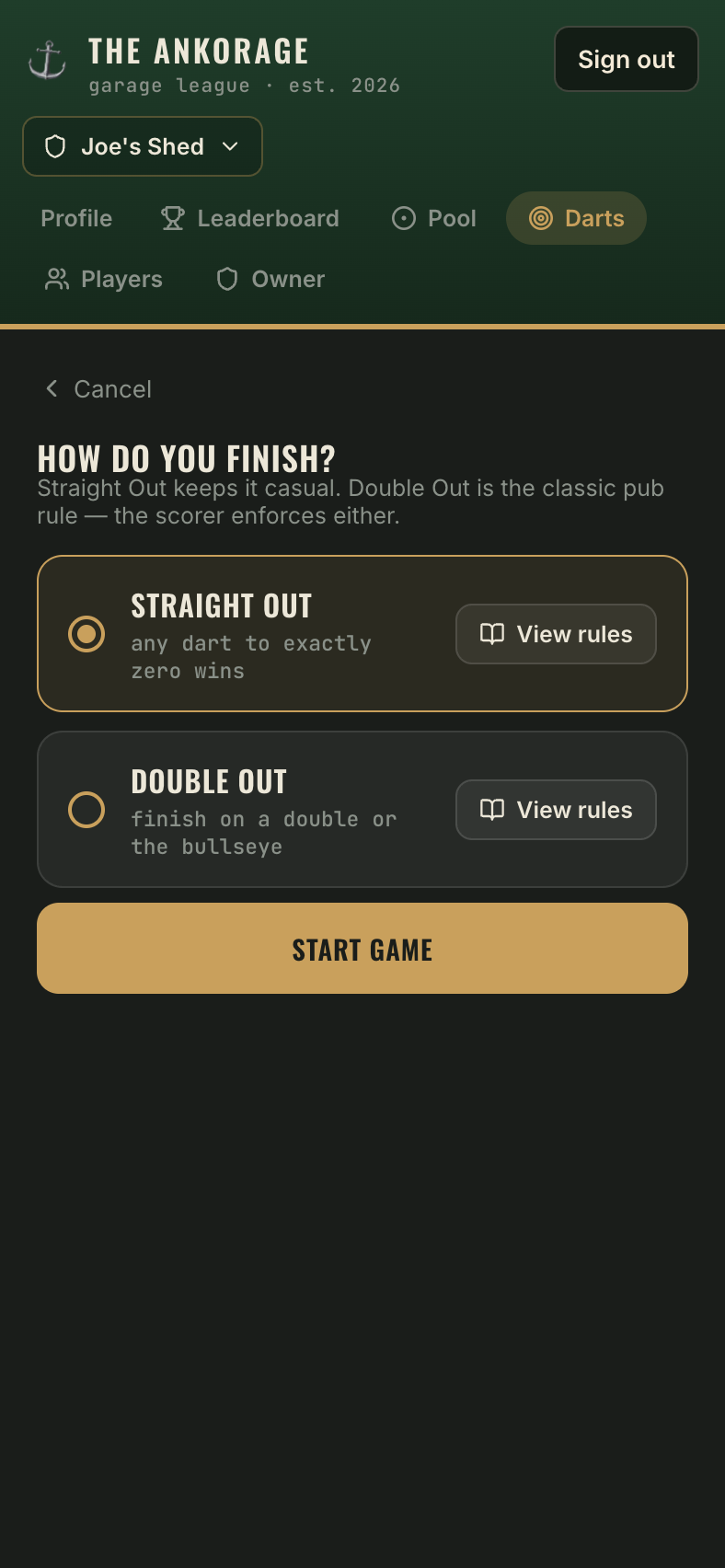
- Choose the rules — the finish rule for X01, the variation for Cricket, or the hit rule, progress and finish for Around the World.
Scoring a leg
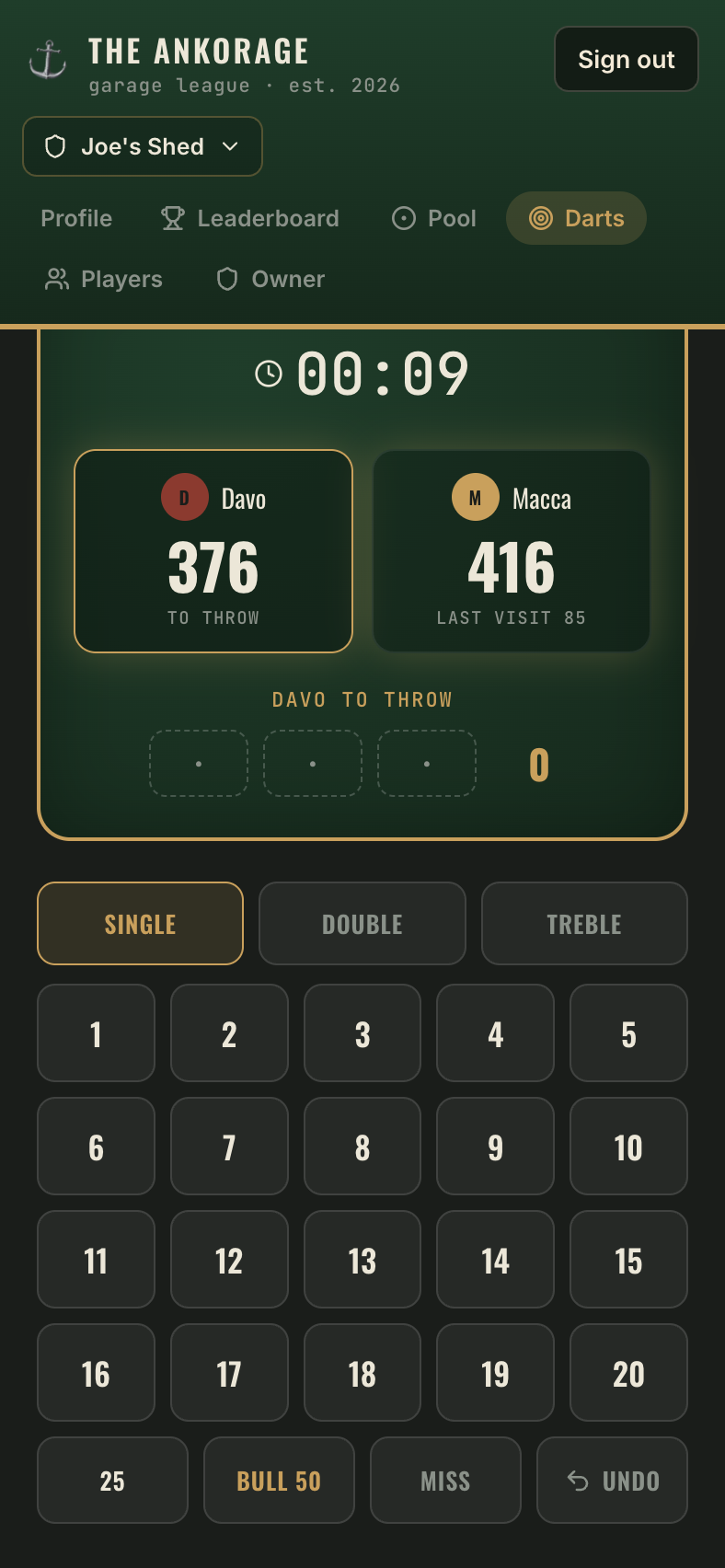
For each dart, tap the multiplier — Single, Double or Treble — then the number. The outer bull (25), inner bull (Bull 50) and Miss have their own buttons. Fat-fingered a dart? Undo takes it back.
- X01 shows everyone's remaining score live. Busts are automatic — go below zero (or land on 1 playing Double Out) and the visit is wiped, score restored, next thrower up.
- Cricket shows the full board: a row per target, a column per player or pair, marks filling in as you hit them and points totting up on the cards above.
- Around the World shows the target you're on and what each dart would do — the pad tells you whether a single, double or treble moves you on, and by how many.
When someone wins, you'll see the Game shot summary, then tap Confirm & log game.
Tournaments
Create tournament on the darts home screen runs a best-of series: singles (best of 3, 5 or 10), doubles (best of 3 with the same pairs or randomised pairs each leg), or a free-for-all with the whole oche in every leg. Pick any of the three games for it. Each leg logs as a normal game, the standings show after every one, and the tournament calls itself the moment someone can't be caught.
What gets recorded
Every logged leg feeds the player profiles and the darts leaderboard: wins, losses, win rate and playtime for all three games, plus 3-dart average, highest visit, 180s, high checkout and best leg from your X01 legs. The current darts #1 wears the Bullseye Boss badge on the roster.