Join a cave
Use an invite link, QR code, or pasted code to join a mate's cave — free for guests.
Guests join a cave through an invite created by the cave's owner. Joining is completely free — only the cave owner pays.
Join with an invite link or QR code
- Get the invite from the cave owner — a link like
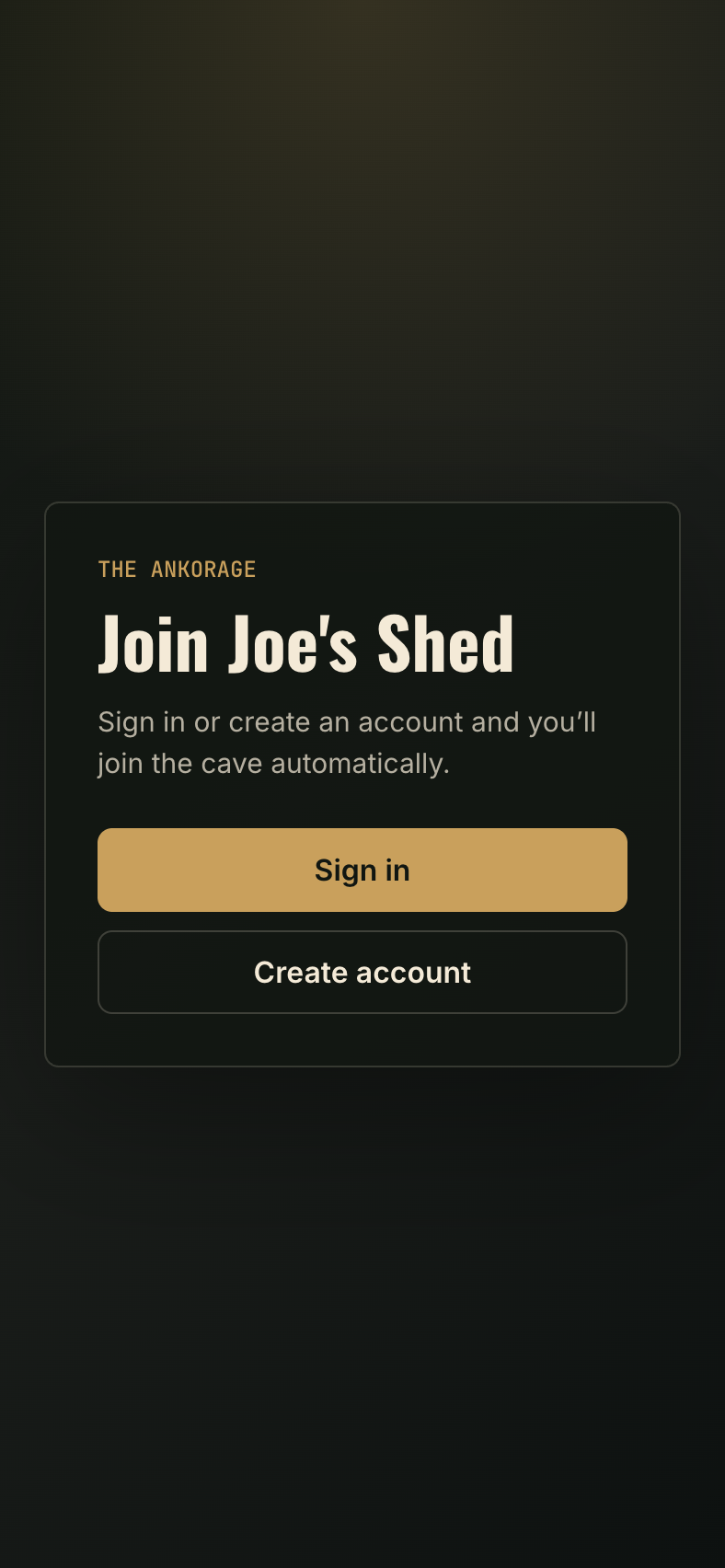
theankorage.com/join/..., or a QR code you scan with your phone camera. - Open the link. You'll see the cave's join screen.
- Not signed in yet? Use the sign-in or sign-up buttons right there — after signing in you're brought straight back and joined automatically.
- Already signed in? Click Join cave.
- You land inside the cave as a guest — leaderboard, games and all.
Paste a code instead
If someone sent you the raw invite rather than a clickable link, go to theankorage.com, sign in, and use the Join a Cave panel — paste the whole link or just the code.
Getting your stats
Joining puts you in the cave, but your games history belongs to a player on the cave's roster. Ask the owner to link your account to your player — then your wins, streaks and stats show up on your profile. See Link members to players.