Link members to players
Connect a joined account to a roster player so their stats follow them.
A cave has two kinds of people:
- Players — names on the roster who appear in games and on the leaderboard. No account needed.
- Members — accounts that have joined the cave via an invite.
Linking connects the two: it tells the cave "this account is that player". Once linked, the member sees their own record, streaks and recent games on their profile page — across every cave they're linked in.
Link a member to a player
- Open the Players tab (the section is only visible to owners).
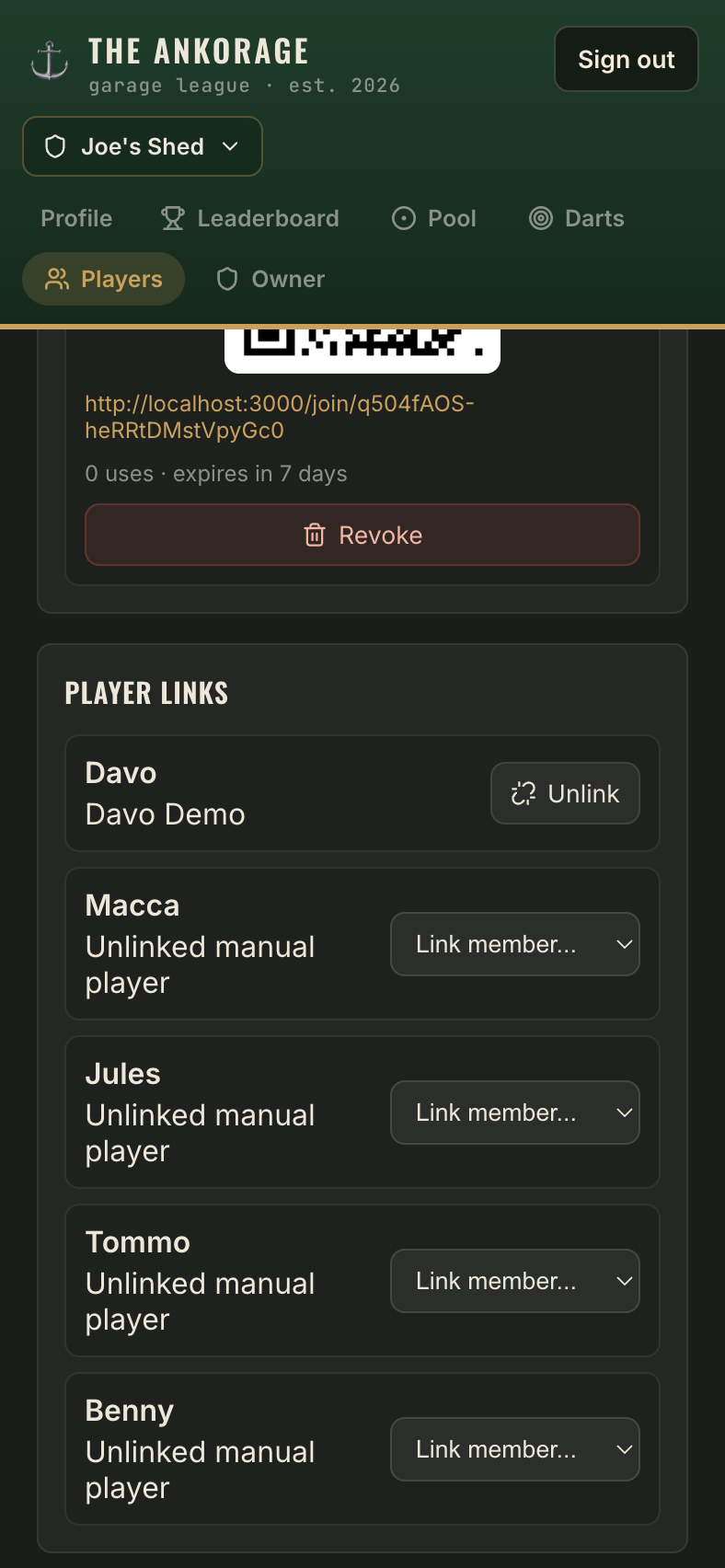
- Scroll down to Player admin → Player links.
- Each roster player is listed. Next to the player, open the Link member... dropdown — it lists every member who isn't linked yet.
- Pick the member. Done — their stats are now theirs.
Rules of linking
- One to one. A member can be linked to only one player per cave, and a player to only one member.
- Removing a member from the cave automatically unlinks them.
- Linking is retroactive — every game the player already logged counts on the member's profile immediately.