Accounts & signing in
Create your account, sign in from any device, and understand how access to a cave works.
The Ankorage runs in your browser — nothing to install. One account gets you into every cave you own or have joined.
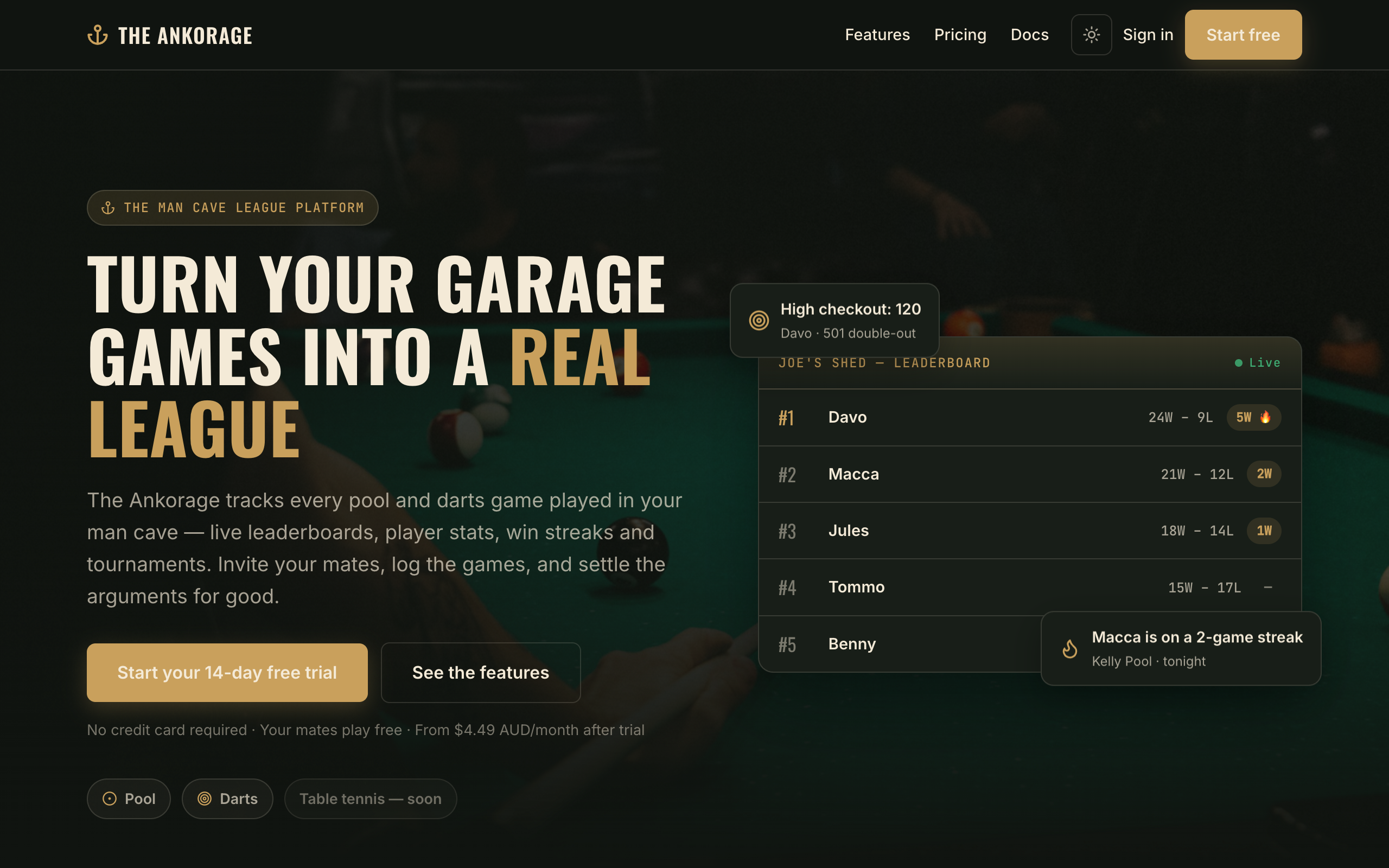
Create an account
- Go to theankorage.com.
- Click Start free in the header (or Start free trial in the footer).
- Complete the hosted sign-up screen — enter your email and a password, then verify your email if prompted.
- You'll land back on The Ankorage, signed in and ready to create a cave or join one.
Sign in
- Go to theankorage.com and click Sign in.
- Enter the email and password you signed up with.
- You'll return to the site signed in. If you belong to a cave, head to its web address (for example
joes-shed.theankorage.com) — or use the links on your profile page.
Signing in always happens on theankorage.com itself, even if you started from a cave's own address — the cave page will send you there and bring you straight back afterwards.
Owners and guests
Every member of a cave is one of two roles:
| Role | What they can do |
|---|---|
| Owner | Everything — cave settings, roster, invites, members, rulesets, billing, and any logged game. |
| Guest | Log games, start tournaments, and edit or delete the games they logged themselves. |
The person who creates a cave is its first owner. Owners can promote trusted guests to owner later — see Members & roles.
Signing out
Open your cave and use the sign-out control in the header, or visit theankorage.com and sign out there. Signing out on one device doesn't touch your other devices.