Cave settings & features
Rename your cave and switch pool, darts and table tennis on or off.
Everything an owner manages lives on the Owner tab. This guide covers the two settings panels; Members and Billing have their own guides.
Cave settings
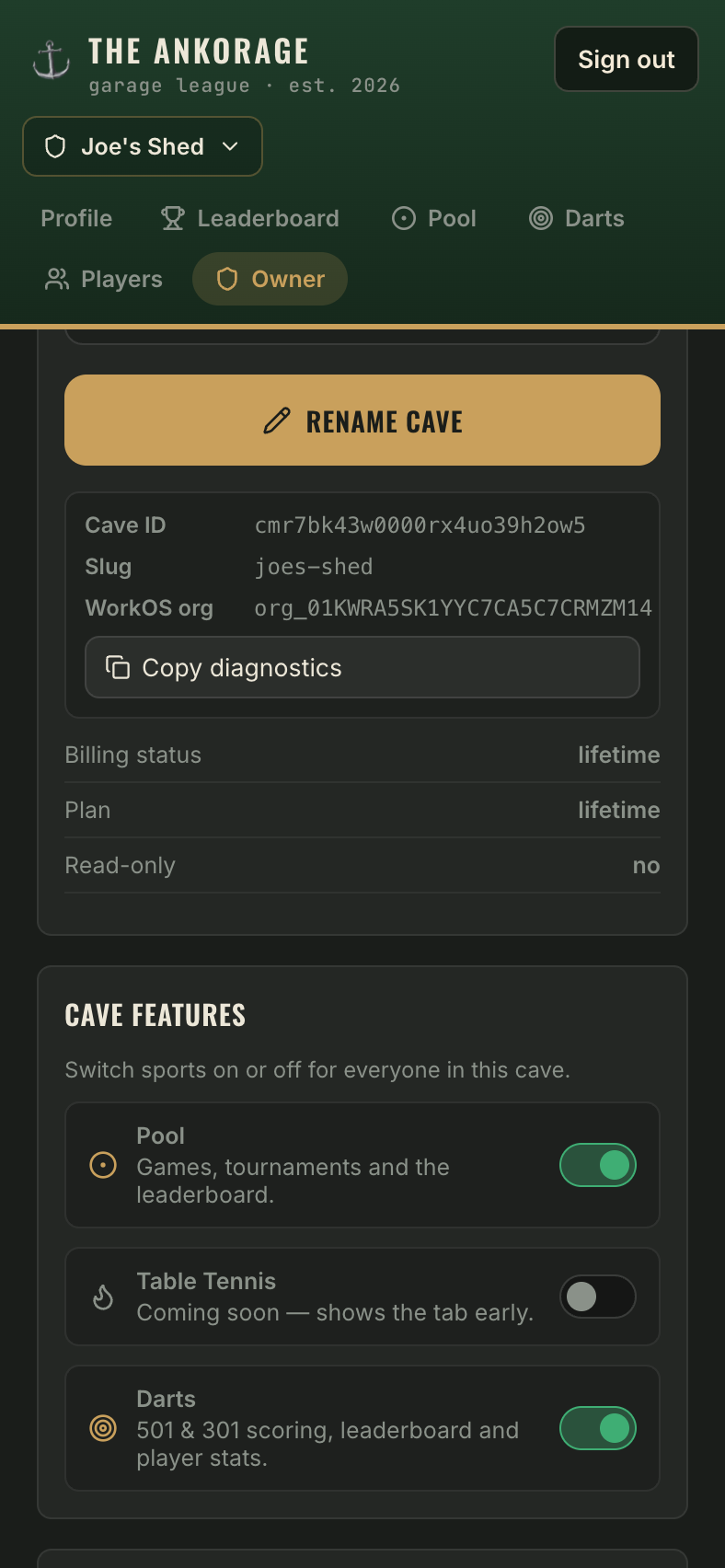
- Cave name — rename the cave whenever you like (up to 60 characters). The new name shows everywhere immediately.
- Web address — shown for reference, but cannot be changed. It was locked in when the cave was created.
- A diagnostics box shows your Cave ID and technical details — handy if you ever contact support.
Cave features
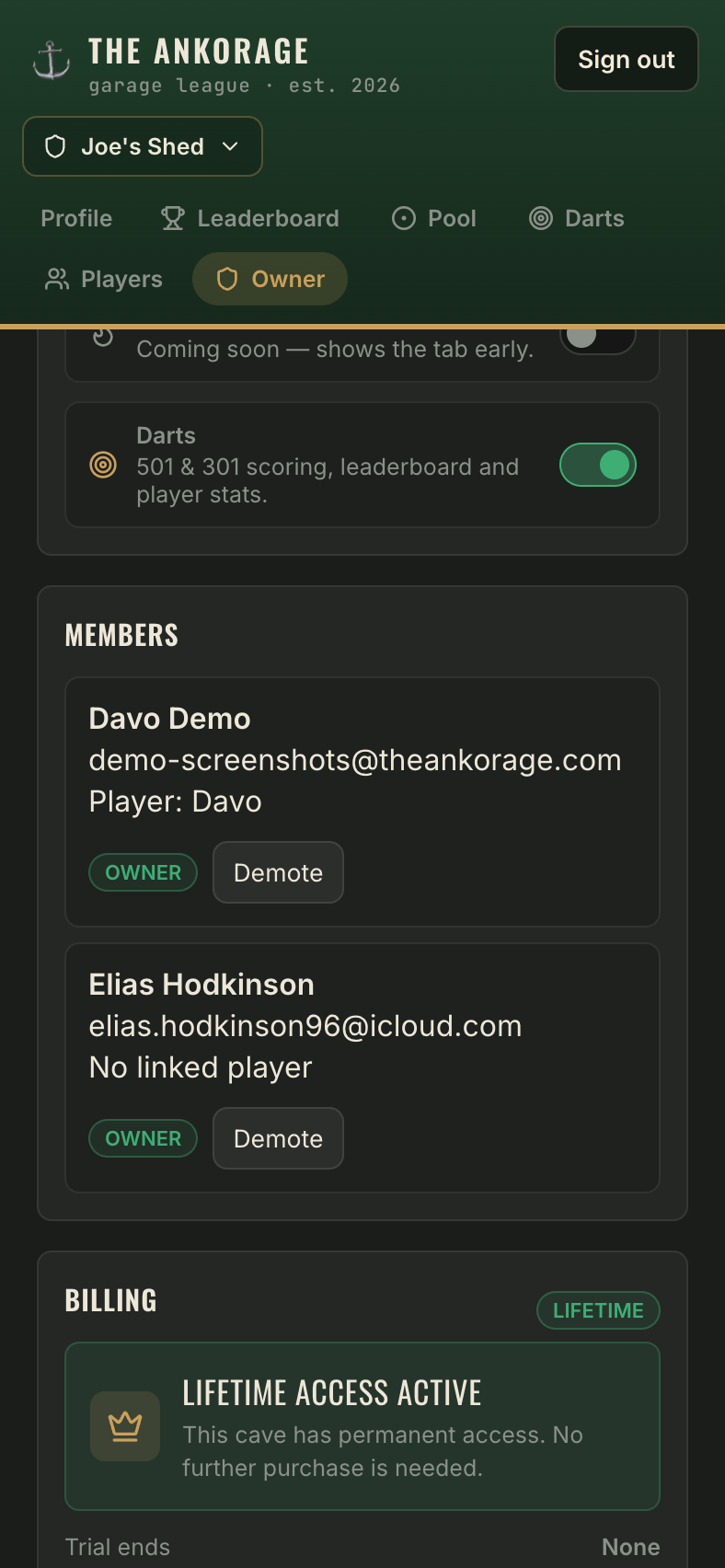
Switch each sport on or off for the whole cave:
| Feature | What toggling on does |
|---|---|
| Pool | Games, tournaments and the pool leaderboard (on by default) |
| Darts | X01 (501, 301 or custom), Cricket and Around the World, singles, doubles and tournaments |
| Cards & Dice | Poker, Blackjack, Zilch, Euchre, 41, Liar's Dice & Yahtzee — scored at the table |
| Table Tennis | Live 11-point scoring for singles & doubles, table tennis leaderboard and player stats |
Turning a sport off hides its tab and boards but keeps all its logged history — flick it back on and everything's still there.