Members & roles
Who's in the cave, who runs it — promote, demote and remove members.
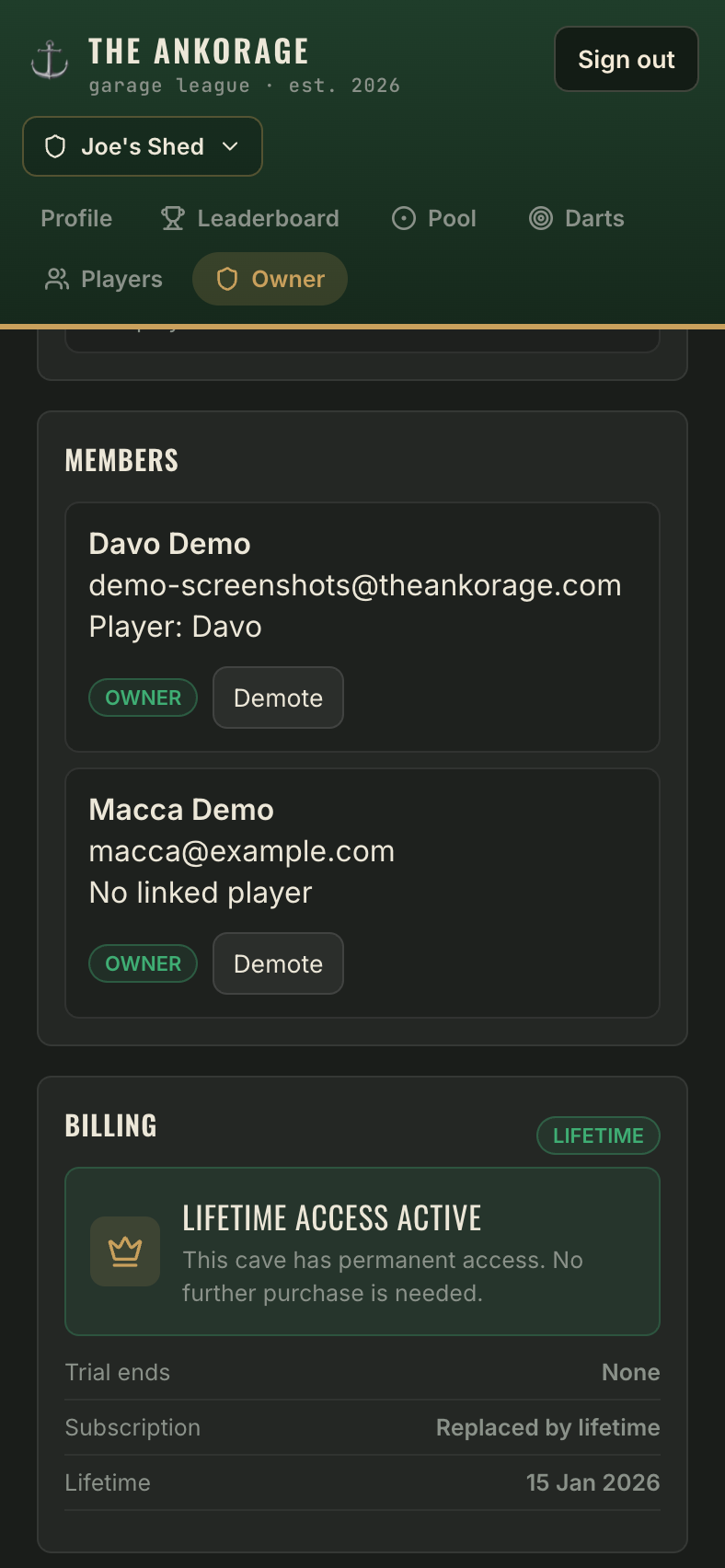
The Members panel on the Owner tab lists every account that has joined the cave, alongside which roster player (if any) they're linked to.
The two roles
| Owner | Guest | |
|---|---|---|
| Log games & run tournaments | ✓ | ✓ |
| Edit/delete their own games | ✓ | ✓ |
| Edit/delete anyone's games | ✓ | — |
| Roster, invites, links | ✓ | — |
| Cave settings & features | ✓ | — |
| Members & billing | ✓ | — |
Manage members
- Promote a trusted guest to owner — they get the full Owner tab.
- Demote an owner back to guest.
- Remove a member from the cave. Their linked player (and all game history) stays on the roster — removing a member only takes away their account's access, and unlinks them automatically.
Guard rails
- A cave must always keep at least one owner — the last owner can't be demoted or removed.
- You can't remove an owner directly — demote first, then remove.
- You can't remove yourself.