Log a pool game
Singles, Doubles and Kelly Pool — pick players, assign teams, choose the rules, and call the winner.
Logging a game takes about ten seconds of tapping and gives your leaderboard everything it needs: who played, who won, which rules, how long the game ran, and who was on bigs or smalls.
Start a game
From the Pool tab tap start, or hit START GAME right on the leaderboard. The setup walks you through a few quick steps.
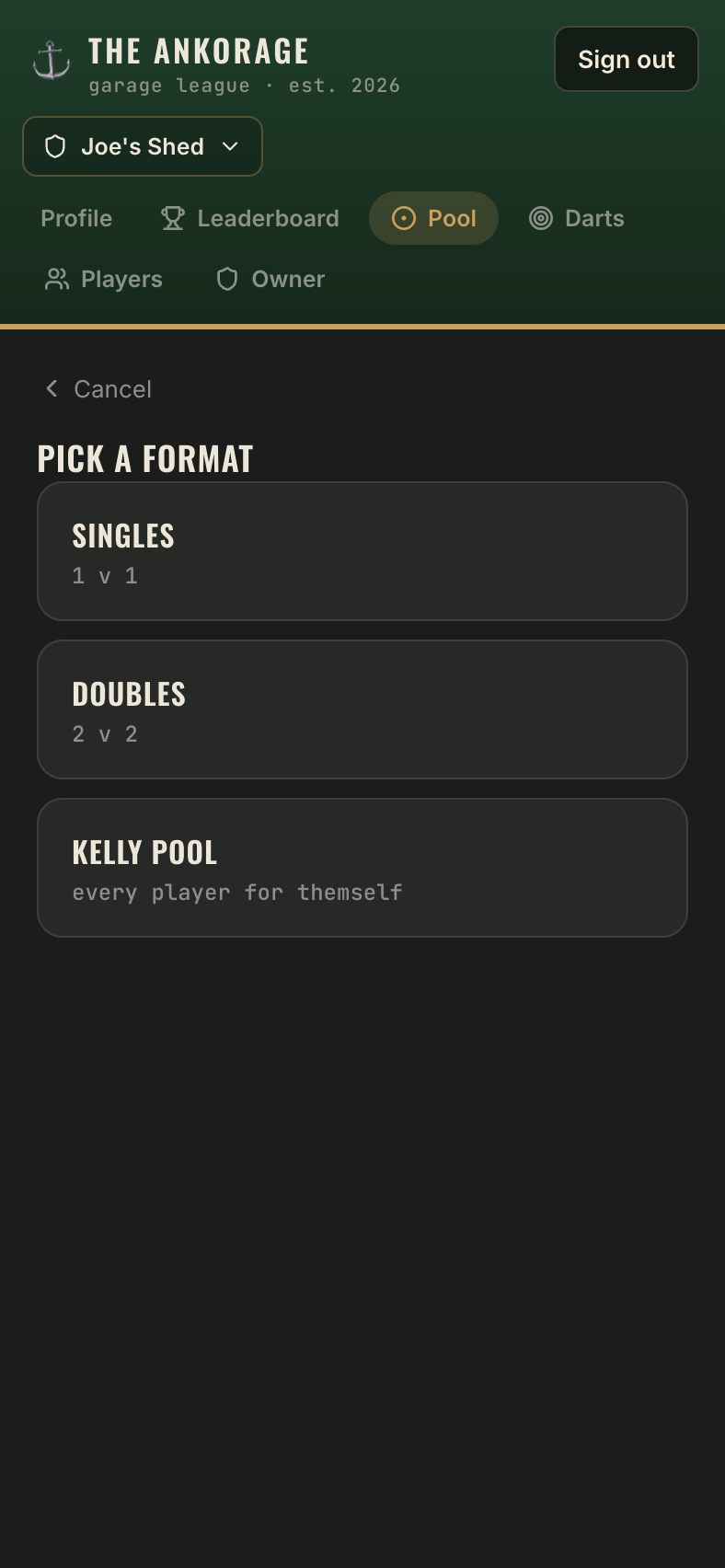
1. Pick a format
| Format | What it is |
|---|---|
| Singles | 1 v 1 — the classic |
| Doubles | 2 v 2 — teammates alternate |
| Kelly Pool | Free-for-all — every player for themself |
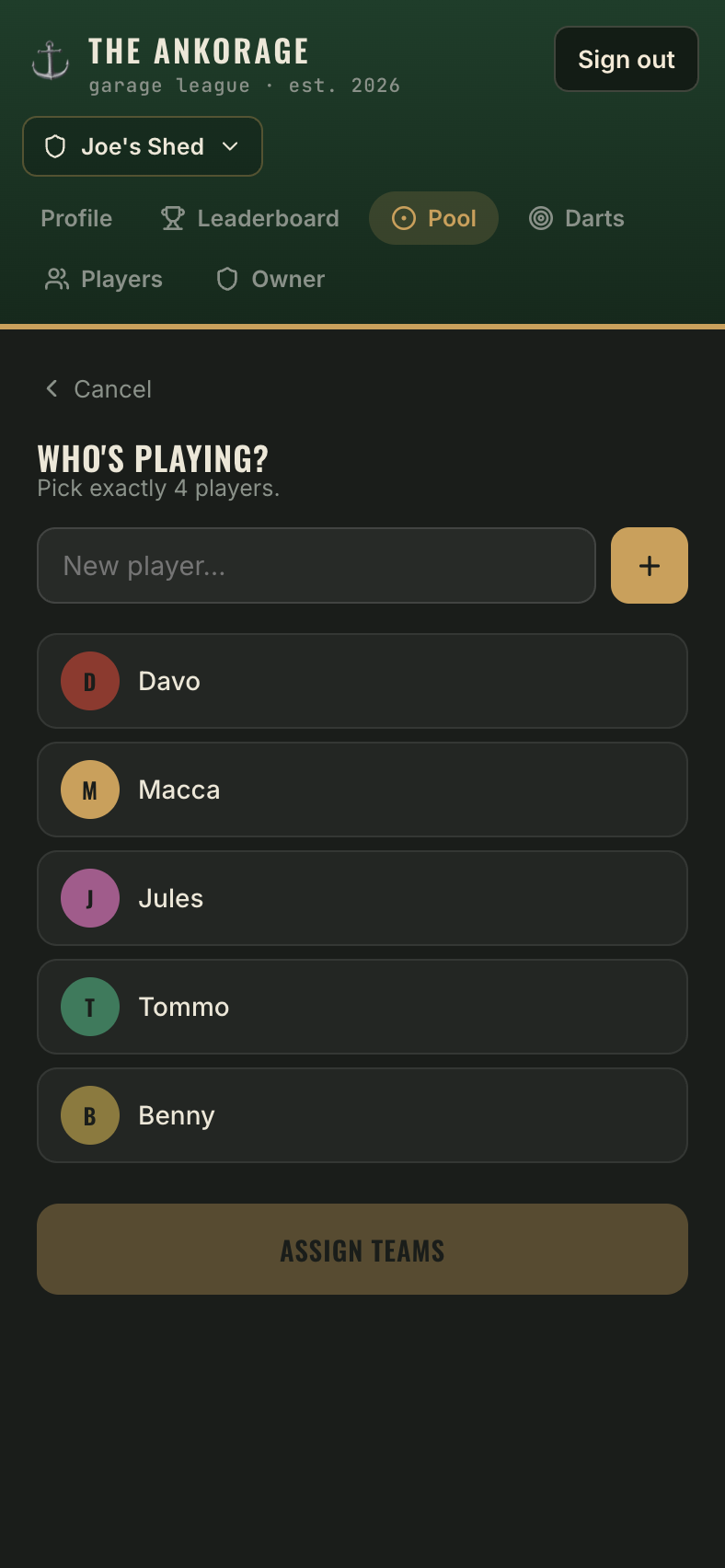
2. Who's playing?
Tap players to select them. Someone new at the table? Type their name in the New player… field and they're added to the roster on the spot.
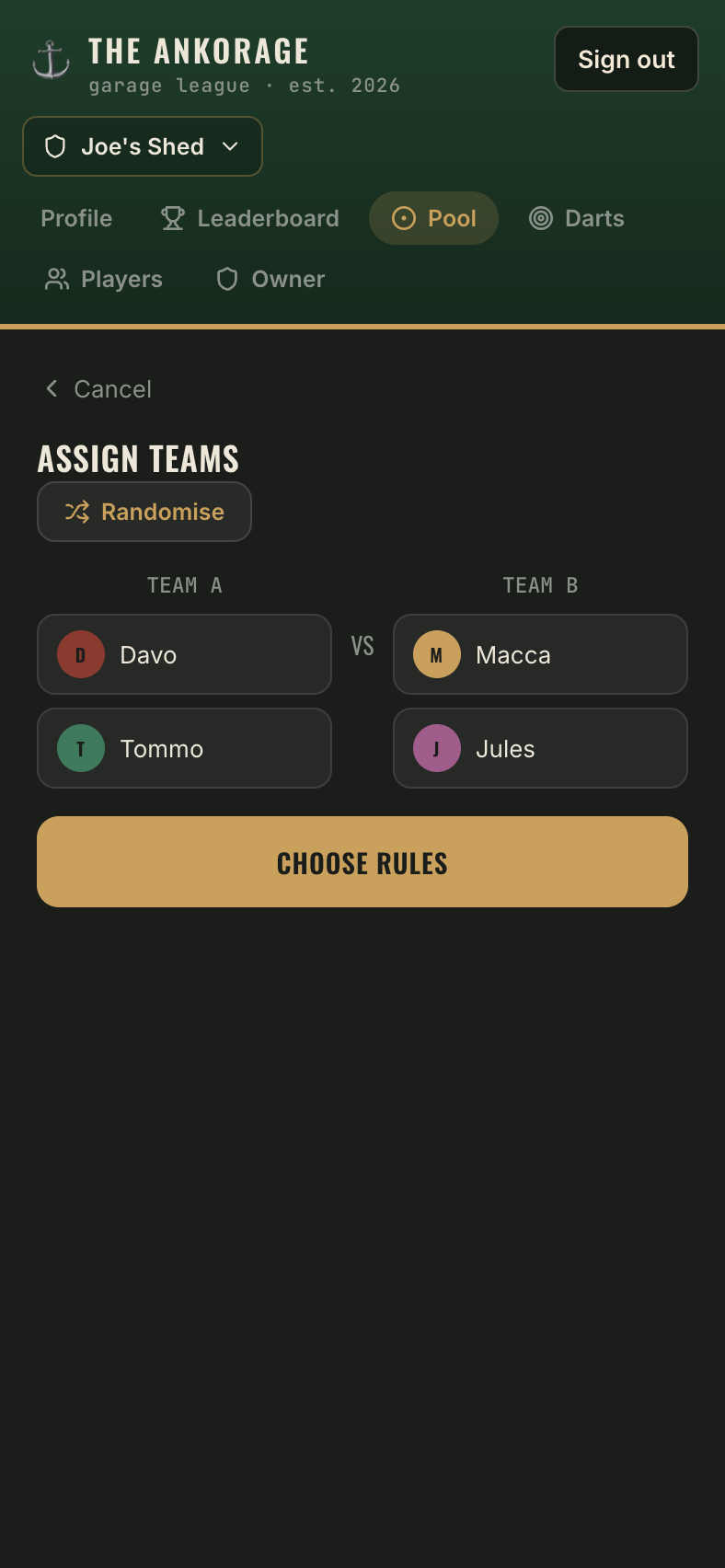
3. Assign teams (Doubles only)
Doubles asks who's with whom — shuffle for random teams, or drag names into the two team columns yourself.
4. Which rules?
Pick the ruleset for the game: VIC Rules, NSW Rules, your House Rules, or any custom ruleset you've built. Kelly Pool skips this step — it's its own game.
5. The live game
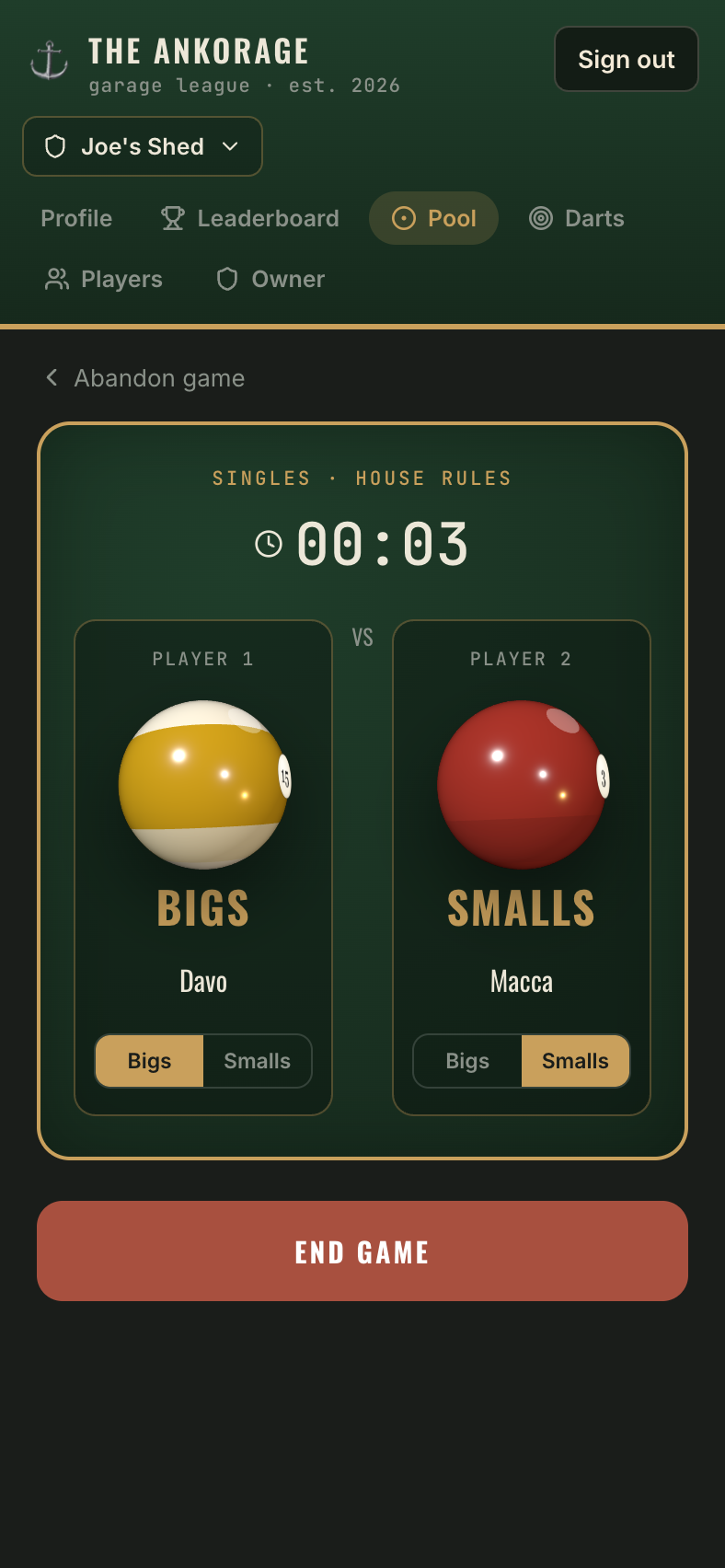
While you play:
- A timer runs — game length feeds the leaderboard's playtime stats.
- After the break, tap Bigs or Smalls on each side's card to record who's on what. This powers the "By ball" stats on player profiles.
6. Who won?
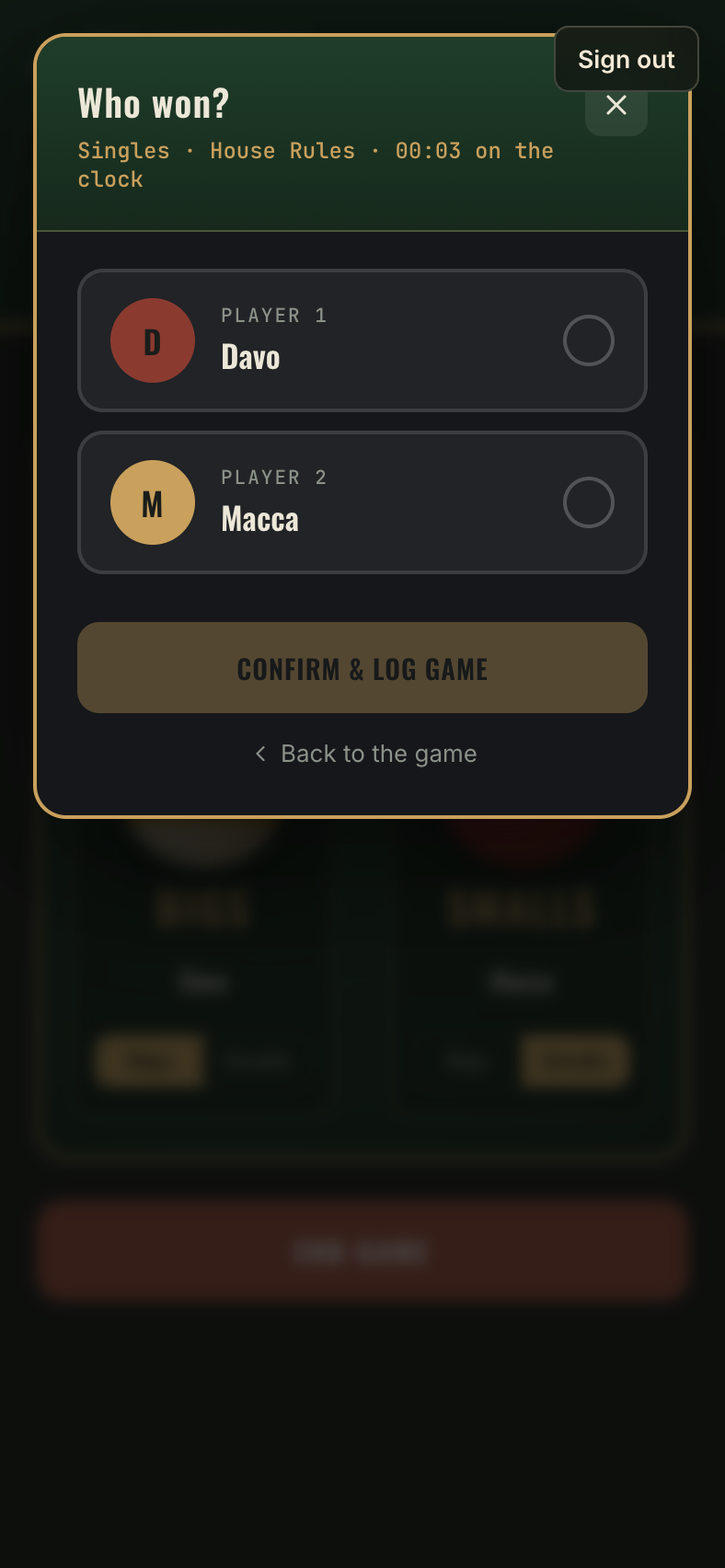
When the black drops, tap through to the Who won? screen and pick the winning side (or the winning player, in Kelly Pool). The game logs with a well-earned confetti blast, and the leaderboard updates instantly.