Edit or delete games
Fix a wrongly-logged winner or ruleset, or remove a game entirely.
Tapped the wrong winner in the heat of the moment? Games can be corrected after the fact.
Who can edit what
- Owners can edit or delete any logged game.
- Guests can edit or delete the games they logged themselves.
Edit a game
- Find the game in a Recent games list — on the Pool tab, Darts tab, or a player profile.
- Tap the edit control on the game's row.
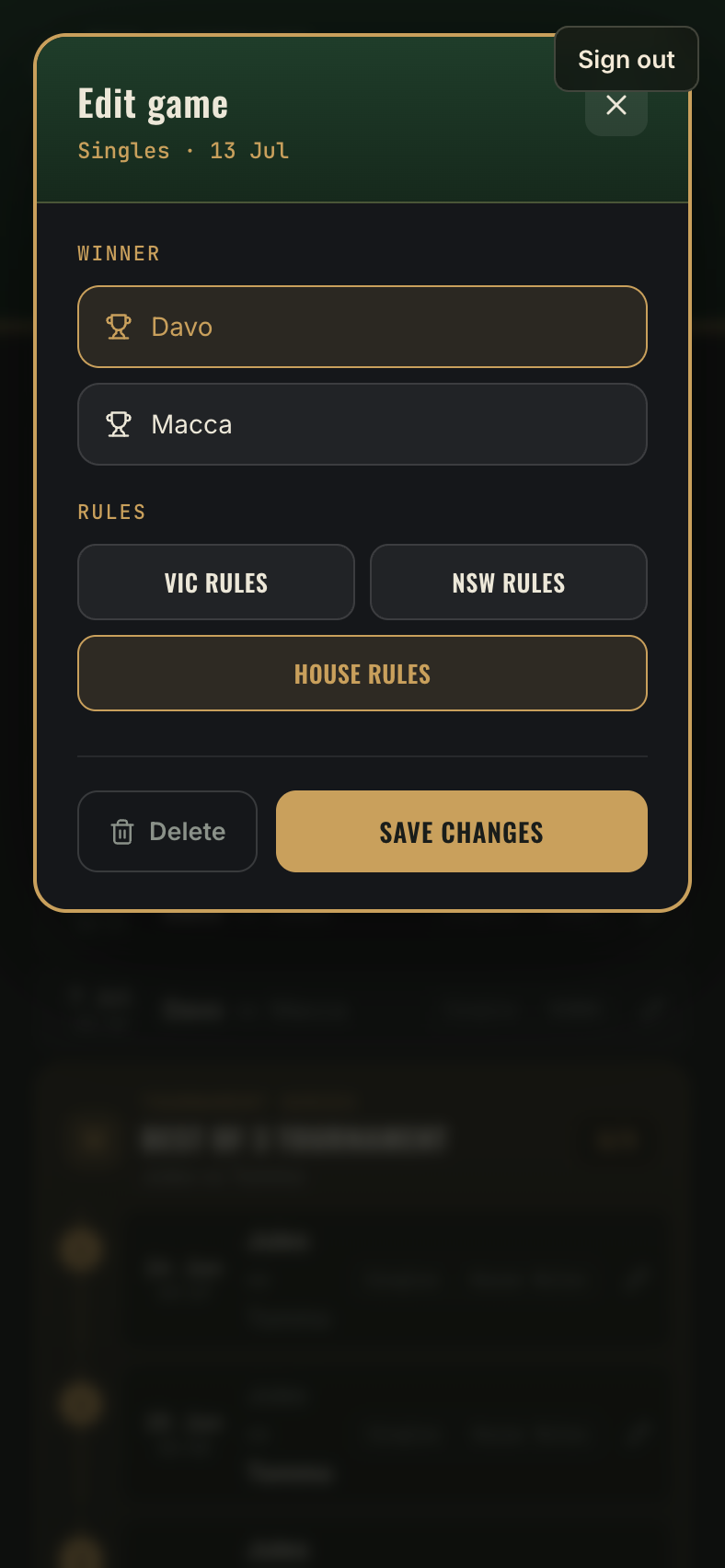
- In the edit screen you can:
- Change the winner.
- Change the ruleset the game was recorded under (pool games).
- Save — the leaderboard, streaks and stats all recalculate instantly.
Delete a game
The same edit screen has a delete option. Deleting removes the game from history and from every stat it touched.