Run a tournament
Best-of series for singles, doubles or Kelly Pool — with live standings and the option to call it early.
Tournaments turn one game into a series — best of 3, 5 or 10 — with running standings between racks. Every rack in the series is logged as a real game, so the leaderboard and player stats count all of it.
Set one up
-
From the Pool tab, start a tournament.
-
Tournament format — Singles (1 v 1 series), Doubles (2 v 2 series), or Kelly Pool (free-for-all series).
-
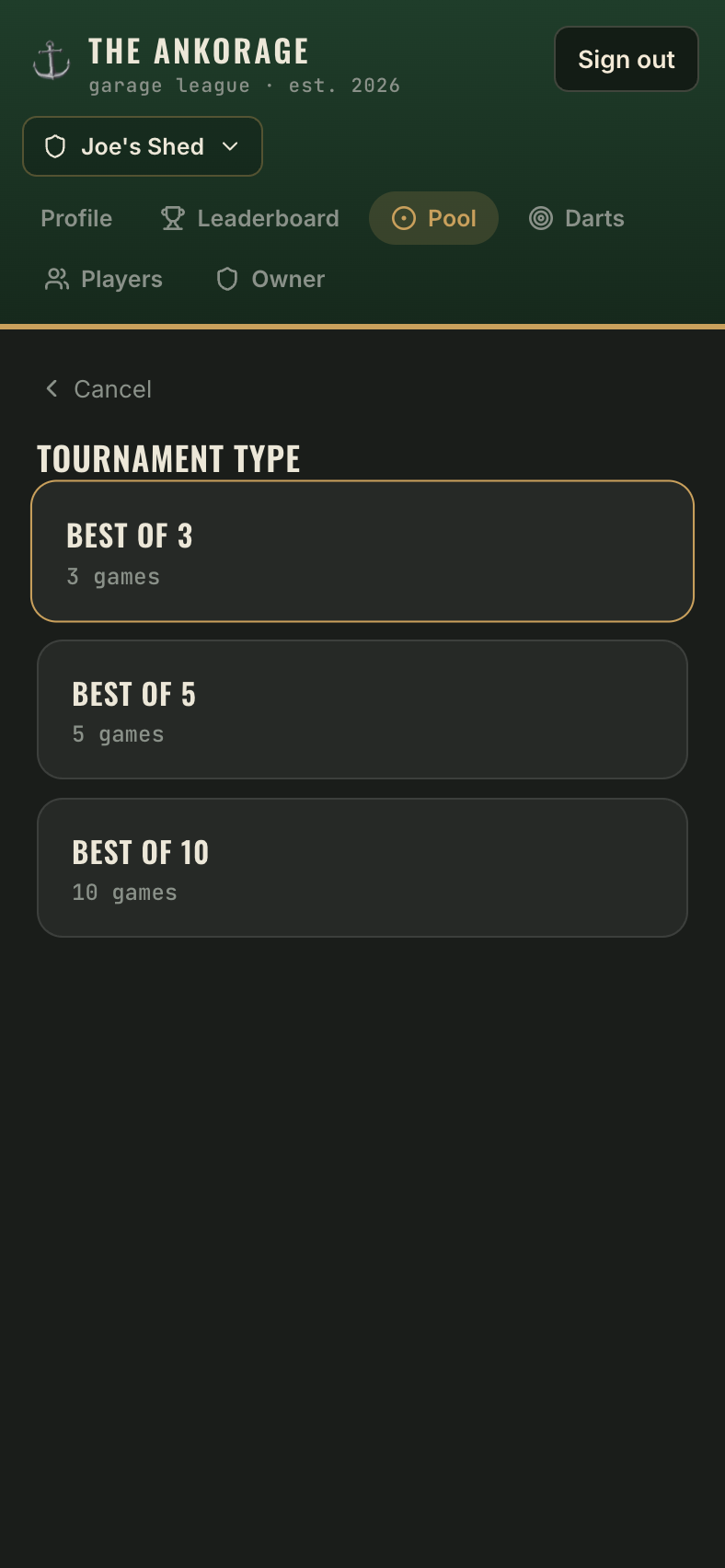
Tournament type:
Format Types Singles / Kelly Best of 3 · Best of 5 · Best of 10 Doubles Best of 3 with Random Teams (reshuffled each rack) or Same Teams (locked in) -
Select players — same roster picker as a normal game, quick-add included.
-
Doubles with Same Teams: assign the teams.
-
Which rules? — pick the ruleset the whole series plays under (Kelly skips this).
Playing the series
Each rack runs through the normal live game screen — timer, bigs & smalls, winner pick. Between racks you'll see the standings so everyone knows what's on the line.
Ending early
When a player or team has already clinched the series (say, 2–0 in a best of 3), the score screen offers a choice:
- End tournament — call it, crown the winner, and stop there.
- Keep playing — play out the remaining racks for pride (they still count as games).
The series wraps up with a winner screen worthy of the moment.