Play darts remotely
Invite your mates to a darts game and play it out from your own boards — everyone scores their own throws on their own phone.
You don't have to be in the same garage to play. A remote game is a normal darts game — X01, Cricket or Around the World — where every player throws at their own board and scores their own visits on their own phone. The scoreboard stays in sync on every device, and the result lands on your cave's leaderboard like any other game.
Host a game
- Open the Darts tab and tap Play remotely.
- Set it up exactly like a normal game: pick the game, singles or doubles, who's playing, and the rules.
- Tap Set up & invite. You land in the game's lobby.
Invite the crew
There are two ways in:
- In-app invites — anyone whose account is linked to a player in the game gets an invite banner in their app, wherever they are. One tap on Join takes them to the lobby with their seat claimed.
- The invite link — tap Share invite to send the link through any messaging app, or let them scan the QR code. When they open it, the app claims their seat automatically if they're linked; otherwise they tap That's me next to their name.
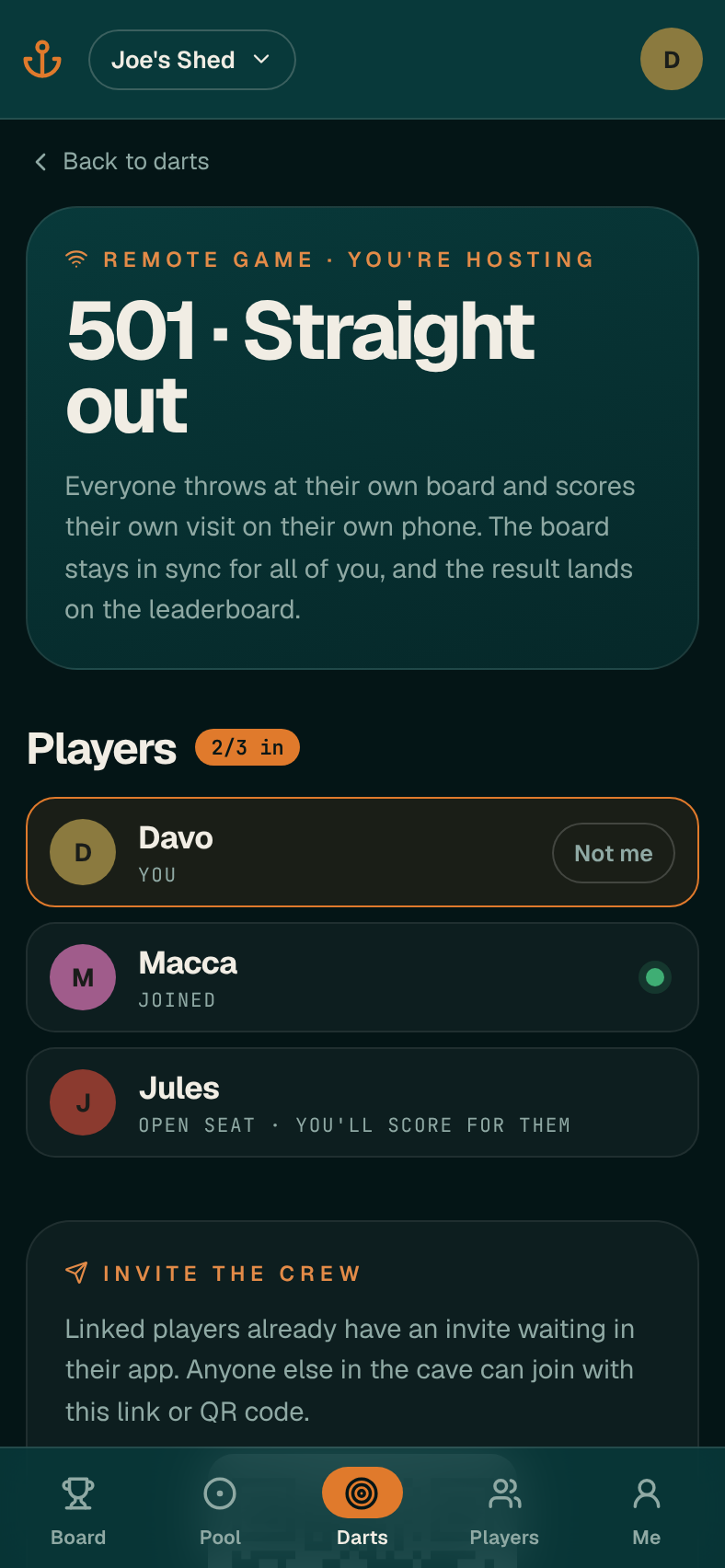
The lobby shows who's in. When you're ready, tap Start the game. Anyone who hasn't joined yet can still jump in mid-game.
Playing
- When it's your throw, your phone lights up and the scoring pad unlocks. Tap each dart as it lands, exactly like a normal game.
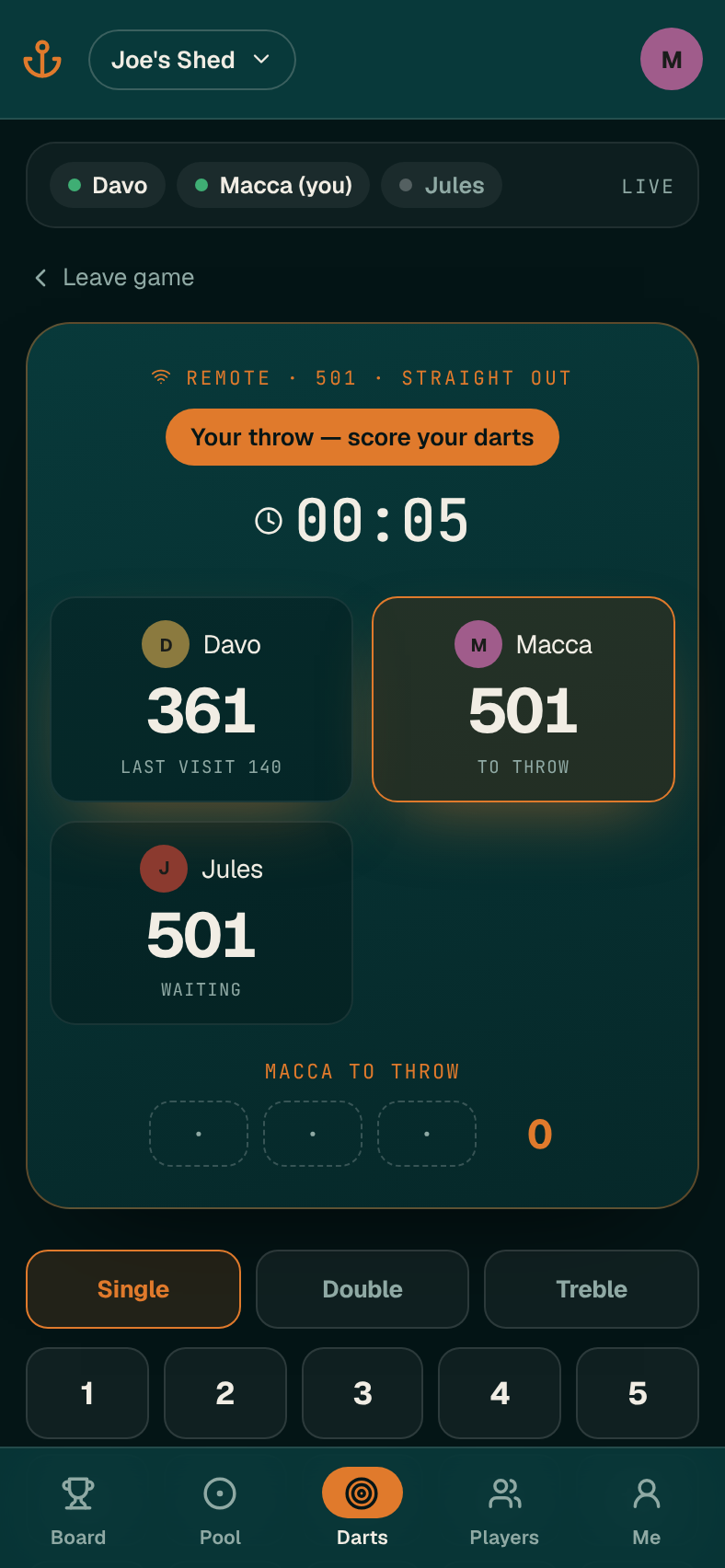
- When it's someone else's throw, your pad locks and you watch their darts arrive live.
- Undo works as normal for whoever is throwing.
- If a seat has nobody on it, the host scores for that player. If someone's phone dies mid-leg, the host can turn on Score for everyone and finish it for them.
- You can wander off to other tabs — a Back to remote game button brings you straight back.
When the leg ends, anyone in the game can tap Confirm & log game. It's logged once, for everyone, with the same stats as any other darts game.
Leaving or calling it off
- Leave game hands your seat back — the host scores for you from then on.
- The host can Call it off, which ends the game for everyone without logging it.
- Games left idle for an hour are tidied away automatically.